
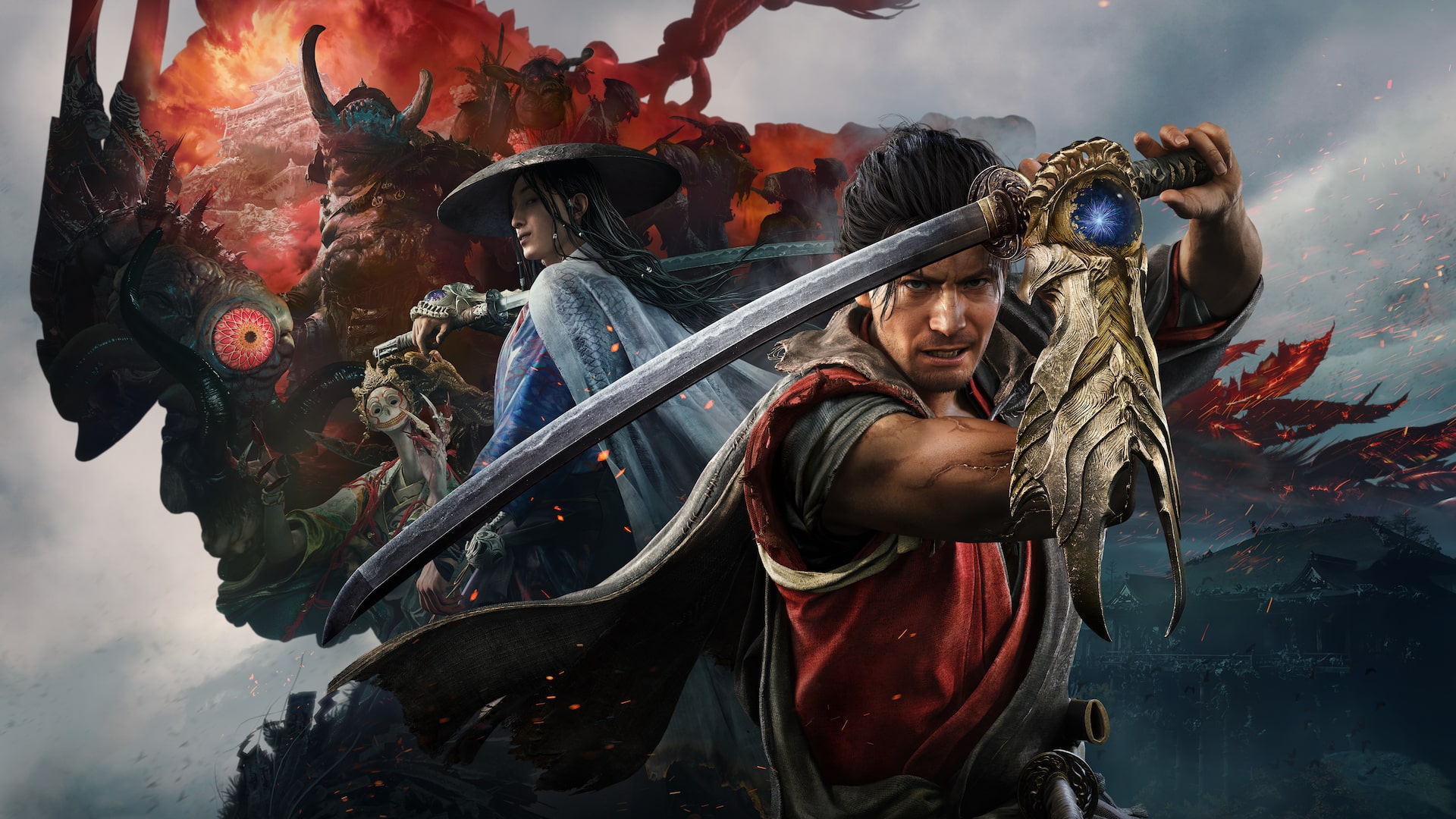
Onimusha: Way of the Sword Demo: Downloads and Rewards
Find the expanded Onimusha: Way of the Sword demo, check its save limits, and learn how to claim the Kubi Akari talisman.
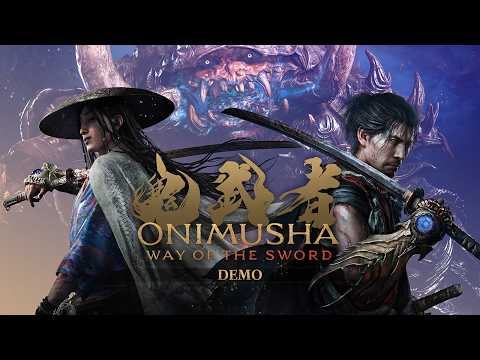
Downloads and save rules
CAPCOM’s official Demo page links to PlayStation Store, Microsoft Store, Steam, Epic Games Store and Nintendo eShop. The expanded version adds new locations, battles after Sasaki Ganryu and a closing boss. Demo progress does not transfer to the full game, but keeping the save data lets you claim the Kubi Akari talisman there.
What the demo includes
The expanded demo goes beyond an early story segment with additional locations and fights, showing Issen, Genma combat and a boss finale. Its content differs from the full game. PC demo performance is not guaranteed to match the final version either.
Claiming the reward
- Keep the demo save data on your device.
- In the full game, open Settings > Privacy > Demo Bonus and select Collect Reward.
- At a Spirit Mirror, open Additional Content, Add-on Content or Downloadable Content.
- Select Demo Bonus to claim Kubi Akari. Equip it as a talisman for beneficial effects.
The reward and progress transfer are separate: the reward can be claimed, while the official policy rules out carrying over progress.
Before downloading
Search the full title in your regional official store. Confirm that the listing is the demo, not the full game or an add-on. Switch 2, other consoles and PC may have different listings, performance options and update schedules, so check before installing.
Sources and limits
CAPCOM’s Demo page and Demo Web Manual, checked 2026-09-06. The video illustrates gameplay, not save policy. This page does not replace the full combat guide or a platform buying comparison.
Related articles
characters
Onimusha: Way of the Sword Characters
Meet Musashi, Oni Lady, Ono no Takamura, Izumo no Okuni and the foes listed in CAPCOM's official character material.
characters
Onimusha: Way of the Sword Main Character: Musashi
Learn who Miyamoto Musashi is in Onimusha: Way of the Sword, how the Oni Gauntlet shapes his story, and how Toshiro Mifune's likeness is used.
characters
Onimusha: Way of the Sword Voice Actors
Check the official Japanese, English and Simplified Chinese voice cast, and understand why Toshiro Mifune is credited for Musashi's likeness.